A standard digital identity for each team member, with consistent company branding.
For teamsBulk order
Solutions
Parichy for Teams starts with one Company Profile — your overview, services, offices and contact details — shared by every employee's profile. Each person then gets an Employee Profile with their own name, designation and contact details, in your company's branding, and a card or patch that opens it.
Every Employee Profile in a team order comes with a Dual Authority Profile at no extra charge. It lets the same tap show either the company or the person. You order the profiles and the hardware together, in one order, and each piece of hardware is assigned to an employee.
The Company Profile is shared, so branding and contact details stay consistent across every employee.
Each employee has their own profile, so their details — not a shared page — open when they tap.
Profiles and hardware go in a single bulk order, with a row for each employee.
Heat-apply NFC fabric patches suit uniforms and bags as well as cards.
A standard digital identity for each team member, with consistent company branding.
Your company's overview, services, team and contact details in one polished profile.
Show two roles or identities from one card — for example a company and the person.
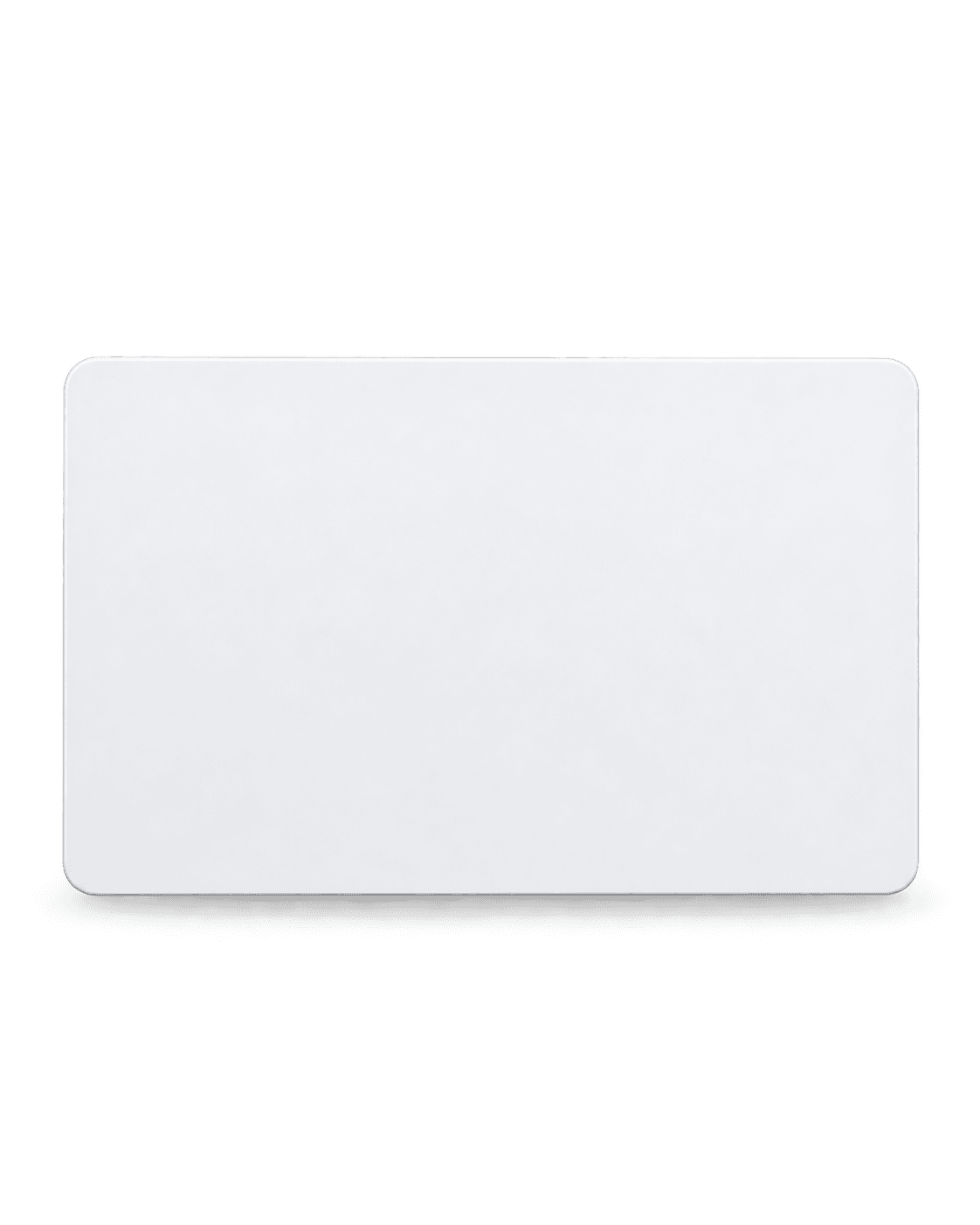
NFC PVC Cards
Durable PVC card with an NTAG216 NFC chip — tap to share your Smart Profile. White or Black.

NFC Metal Cards
Stainless steel card with an NTAG216 NFC chip in Black, Silver, Rose Gold or Gold.
Customized Patches
Heat-apply fabric patch with an embedded NTAG216 chip and a full-colour UV DTF print.
Step 1: Choose the Company Profile and Employee Profiles.
Step 2: Add your team — one row per person, or import a CSV using the template.
Step 3: Pick the hardware for the team and add company branding.
Step 4: Place the order; each card is set up for its employee.
Bulk orders start from a few units, depending on the hardware — the minimum is shown on the bulk order page.
A profile that shows both the company and the person from the same tap. One is included free with every Employee Profile in a team order.
A bulk order uses one type of hardware. For a mix — metal cards for leadership and PVC for everyone else, say — place one order for each type.
Choose your hardware, customise it and see the full price before you pay.