Personal branding and business information for solopreneurs, in a single profile.
Smart Profile₹999
Solutions
A printed visiting card is out of date the moment your number, role or address changes. A Parichy digital visiting card is a Smart Profile: your name, designation, phone, WhatsApp, email, website, address and social links on one page that opens in any phone's browser. It lives online, so you change it once and every card, QR code and link shows the update.
The profile has its own link and QR code, so you can use it in an email signature, a WhatsApp message or on a poster as well as on the card you tap. When you want the in-person tap, add an NFC card or keychain that opens the same page.
Edit your details from your dashboard; the next person to open your profile sees the change.
The person you share with opens it in their phone's browser — no app.
The Individual Business Profile has a Save Contact button that adds your details to their phone.
Tap, scan, message the link or put it in your email signature — it's the same profile every time.
Personal branding and business information for solopreneurs, in a single profile.
Your skills, portfolio and experience in one shareable digital profile.
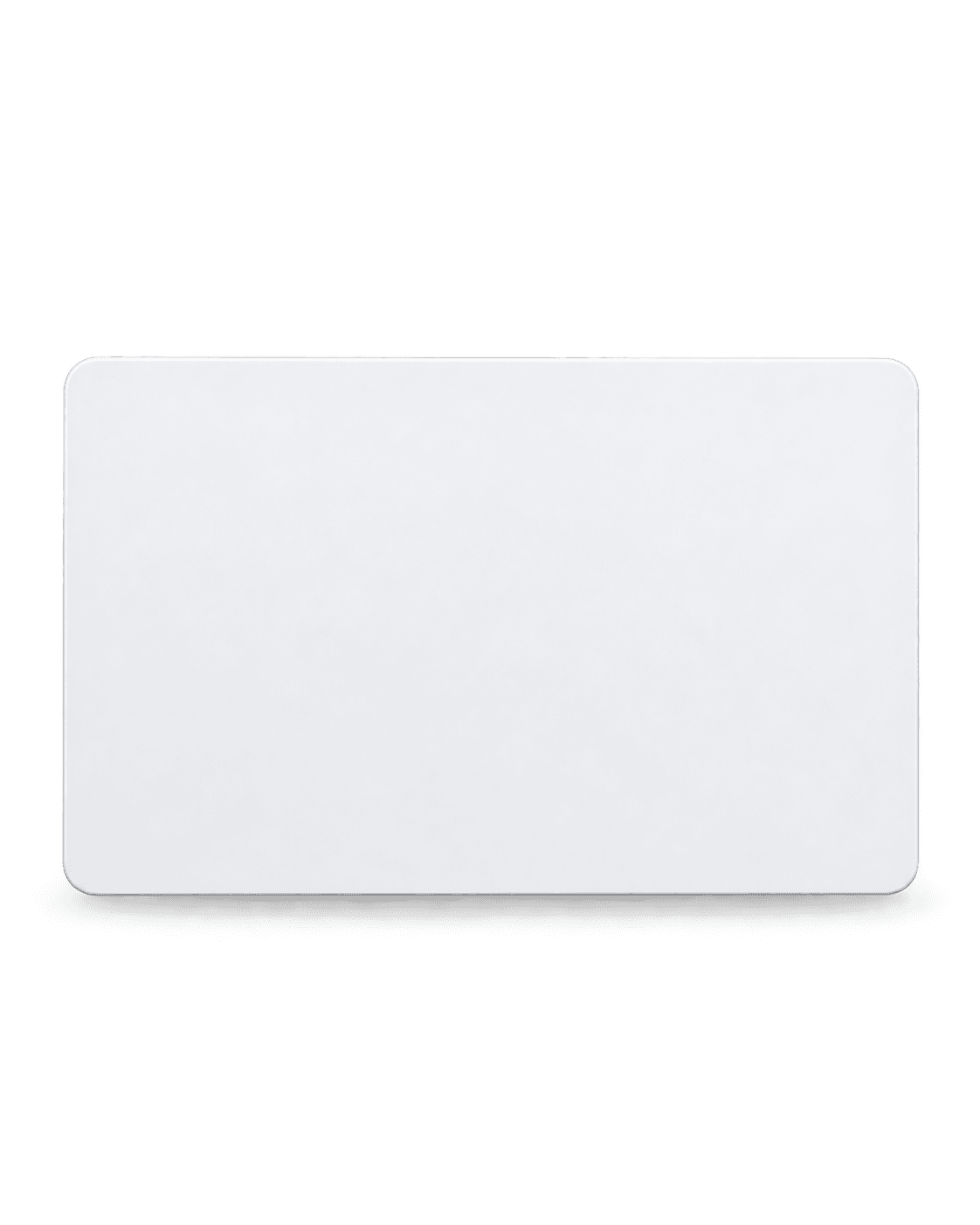
NFC PVC Cards
Durable PVC card with an NTAG216 NFC chip — tap to share your Smart Profile. White or Black.
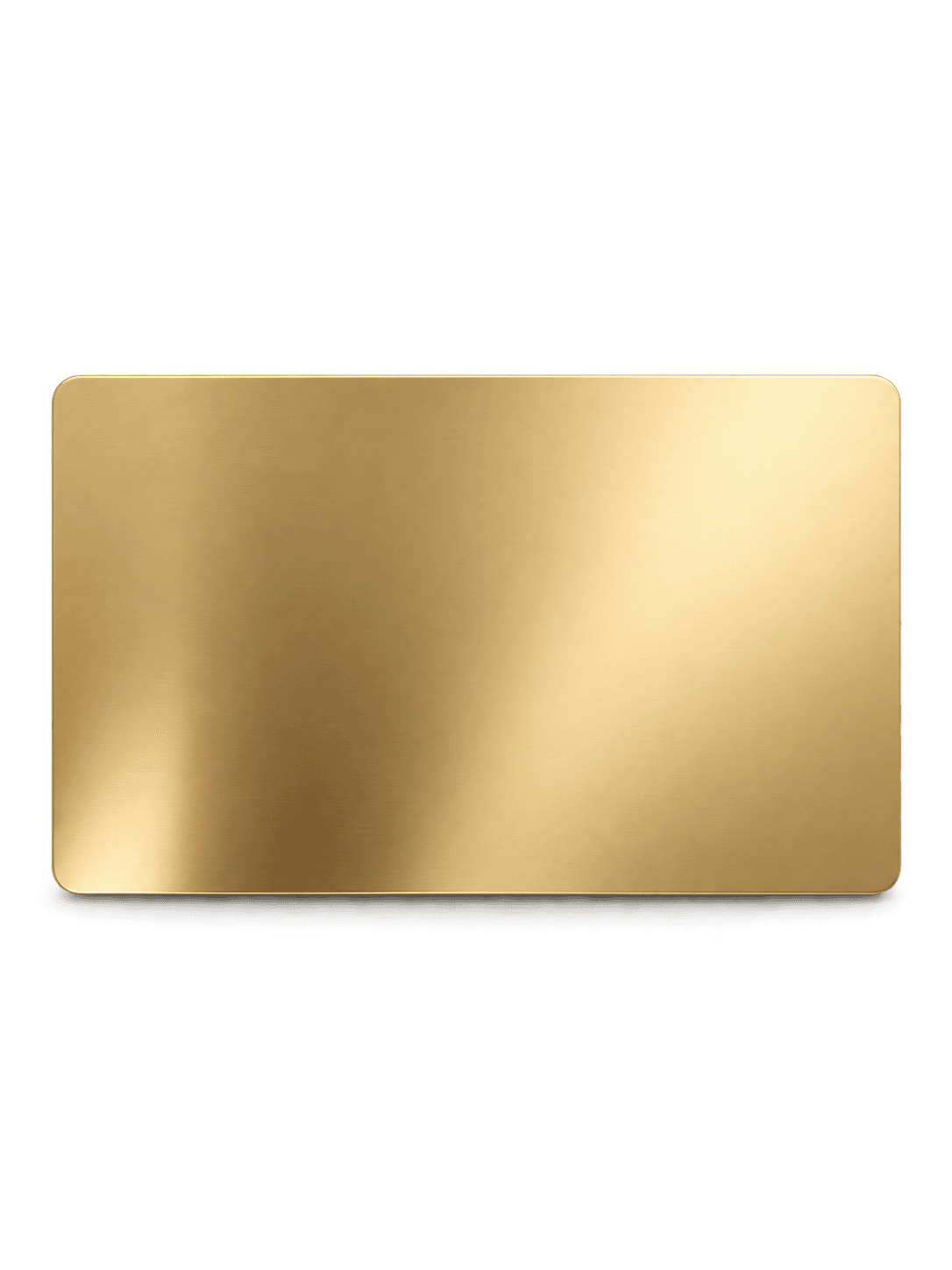
NFC Metal Cards
Stainless steel card with an NTAG216 NFC chip in Black, Silver, Rose Gold or Gold.
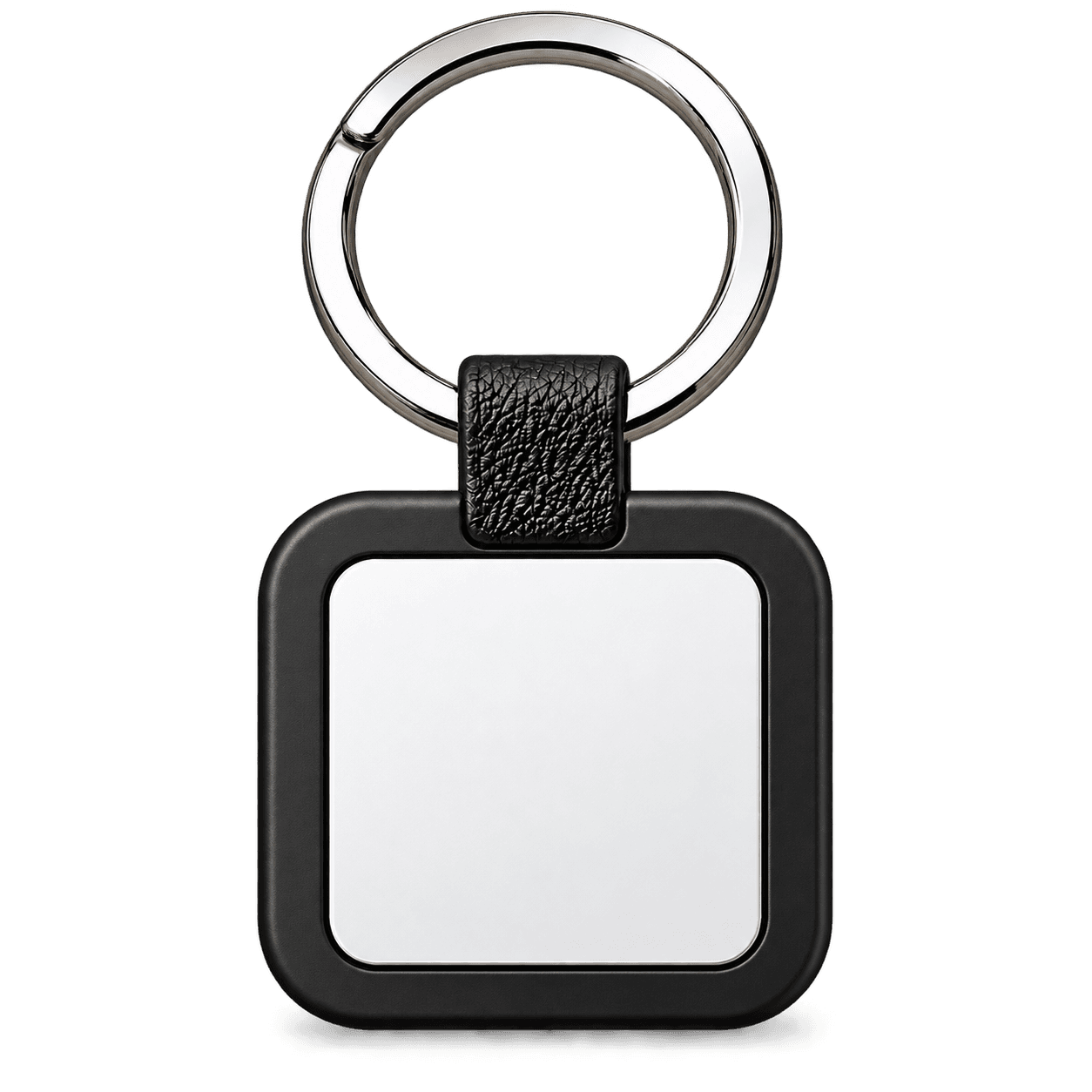
Customized Keychains
Pocket NFC keychain with an NTAG216 chip — Acrylic, Metal, Wooden or 3D Printed.
Step 1: Choose the Individual Business Profile (for a business or practice) or the Individual Work Profile (to present yourself).
Step 2: Pick the hardware you'll carry — a card or a keychain — and add your name and logo.
Step 3: Fill in your details from your dashboard once your order is set up.
Step 4: Share it: tap the card, show the QR code or send the link.
The digital visiting card is the page; the NFC business card is the physical card that opens it. With Parichy, the Smart Profile is your digital visiting card and the NFC hardware is one way to open it.
Yes. The Individual Business Profile includes a Save Contact button that adds your details to their contacts.
A core Smart Profile is a one-time price, with hosting, editing, your QR code and the NFC redirect included. See the pricing page for what applies.
Choose your hardware, customise it and see the full price before you pay.