Exchange contact details both ways with a single tap — you get theirs, they save yours.
Smart Profile₹999
Solutions
At an exhibition you have a few seconds per visitor and a stack of business cards that mostly end up lost. Digital Handshake makes the exchange two-way: a visitor opens your profile, taps “Share your details”, fills in a short form, and can save your contact — while you receive their details as a connection.
Put an NFC standee on the booth, give your staff cards or fabric patches for lanyards and uniforms, and use Event & Booking to take RSVPs or workshop slots. A clear consent message is shown before anyone shares their details.
Visitors save your contact; you receive theirs as a lead.
Visitors see consent wording before they share, and sharing is optional.
Event & Booking handles RSVPs and appointment slots with a capacity limit.
Digital Handshake connections can be exported as a CSV file for follow-up.
Exchange contact details both ways with a single tap — you get theirs, they save yours.
Share event details and take bookings or RSVPs straight from your card.
Personal branding and business information for solopreneurs, in a single profile.
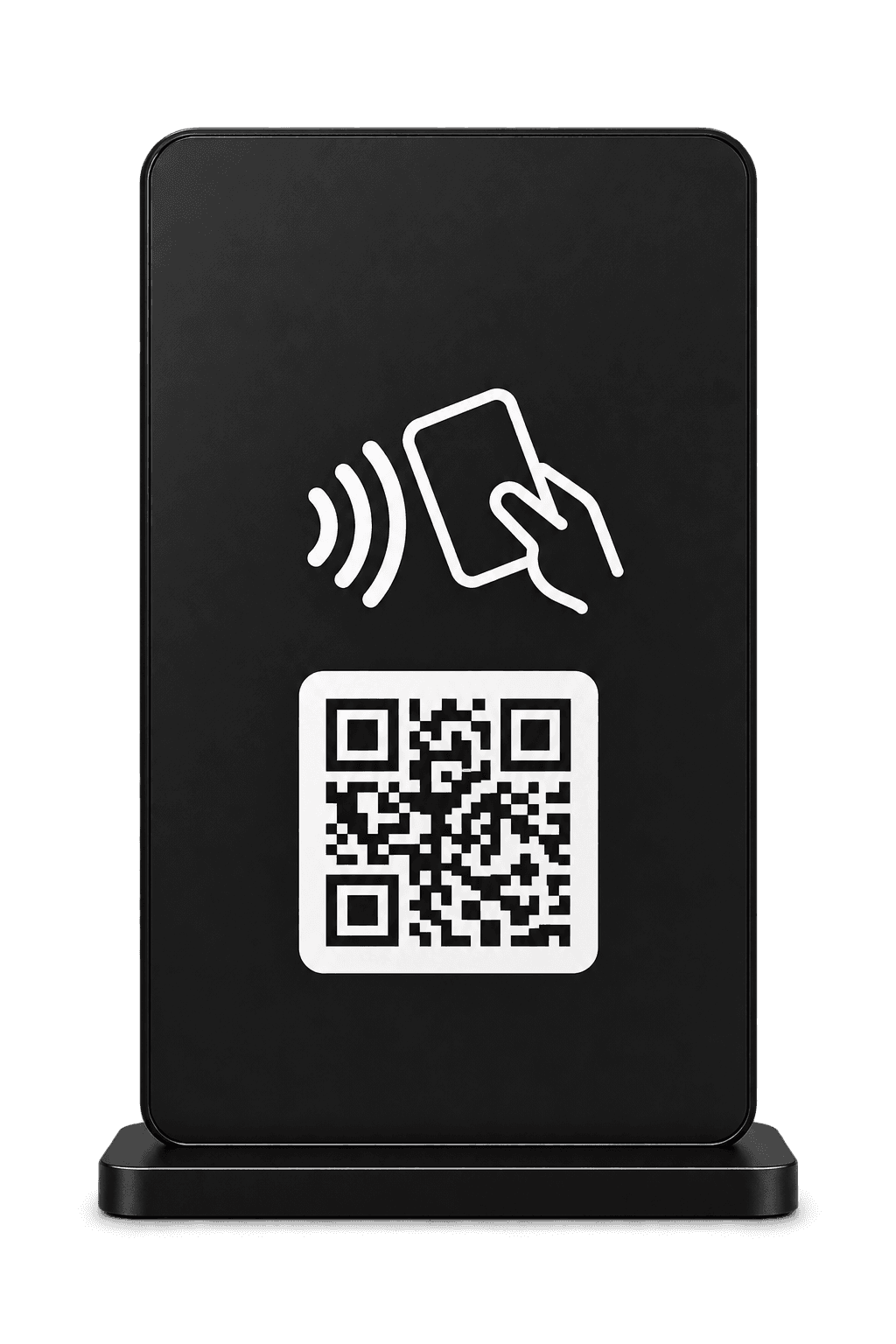
Customized Standees
Freestanding NFC standee with an NTAG216 chip — Acrylic, Metal or Wooden.
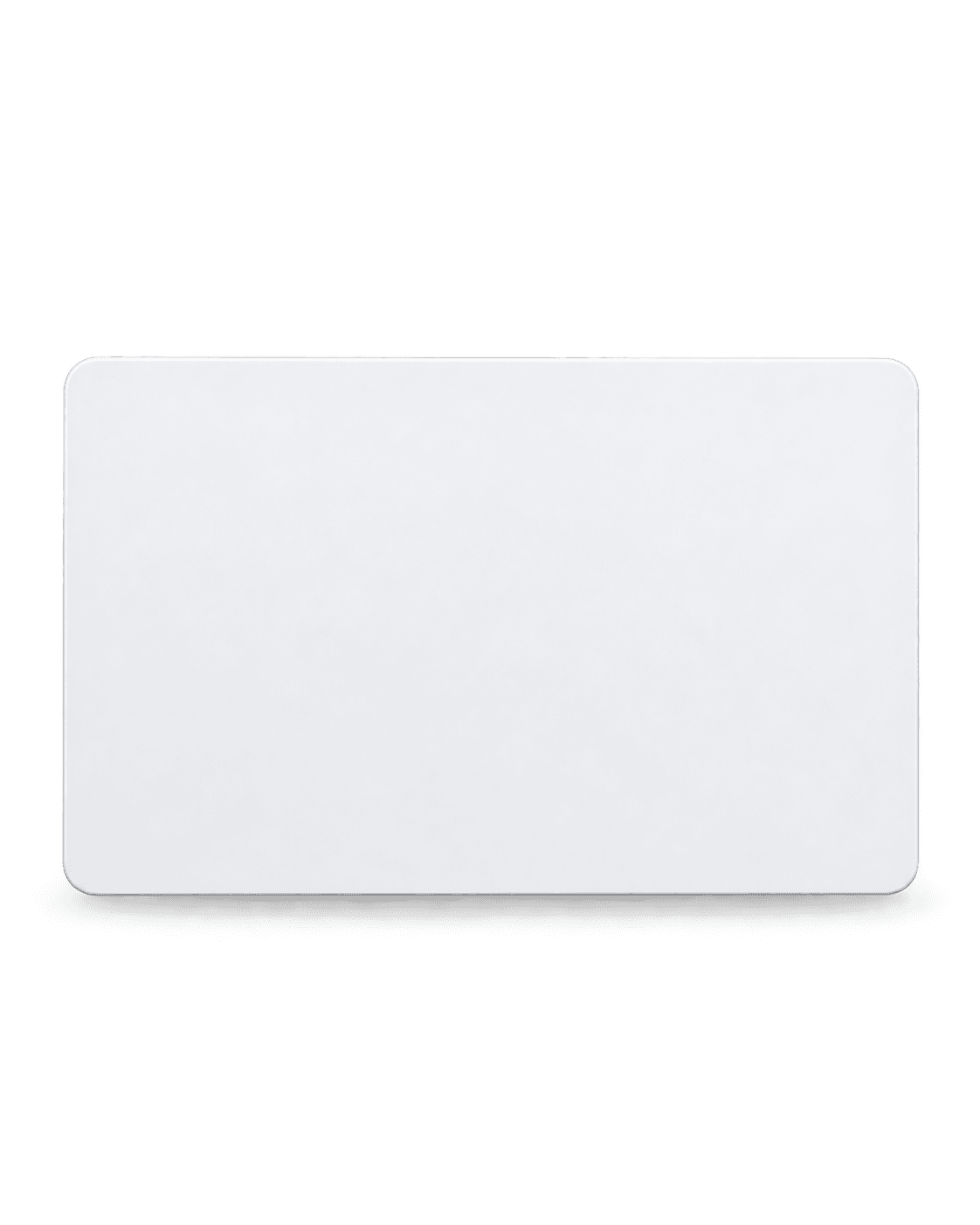
NFC PVC Cards
Durable PVC card with an NTAG216 NFC chip — tap to share your Smart Profile. White or Black.
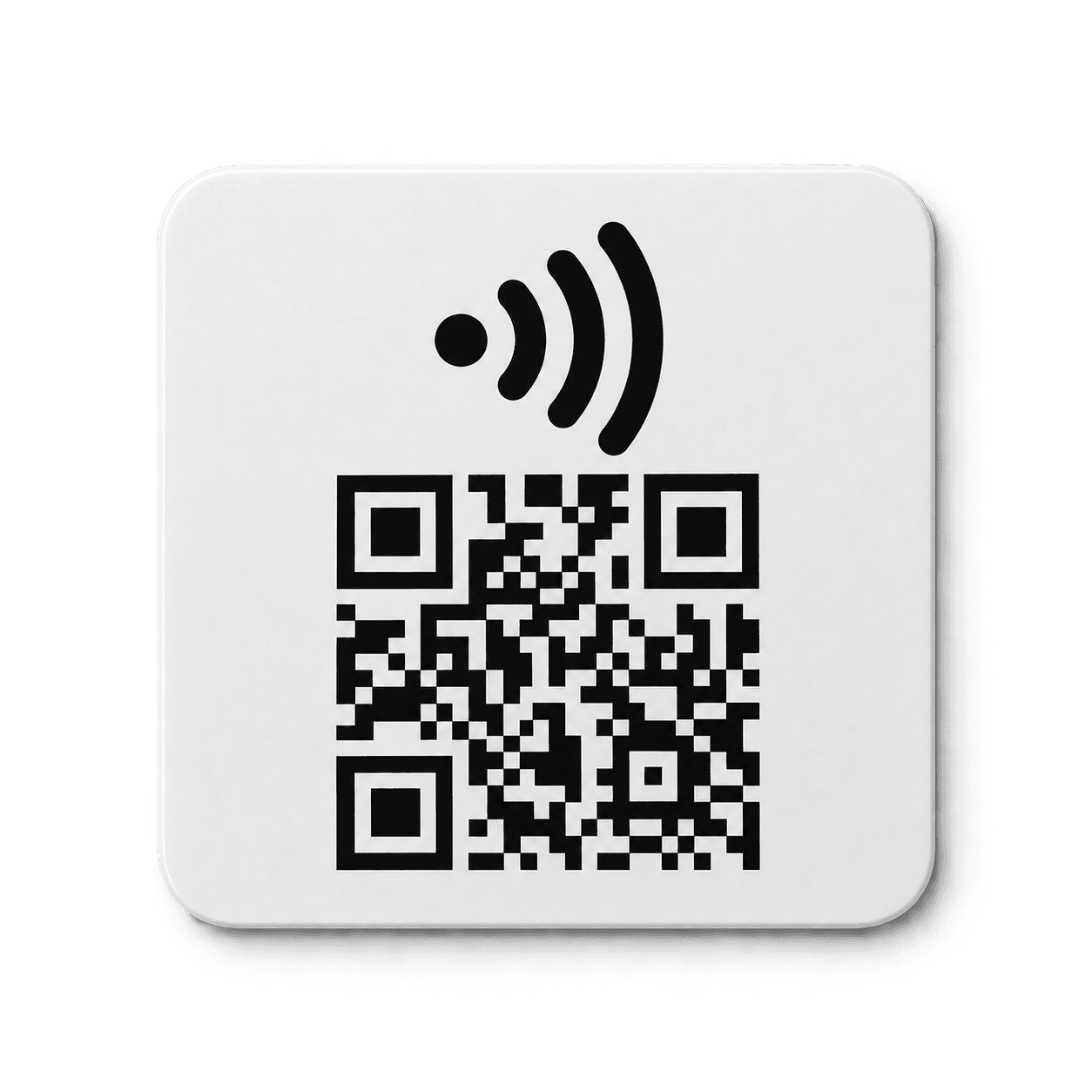
Customized Patches
Heat-apply fabric patch with an embedded NTAG216 chip and a full-colour UV DTF print.
Step 1: Choose Digital Handshake for lead capture, plus Event & Booking if you take RSVPs or slots.
Step 2: Order a standee for the booth and cards or patches for your staff.
Step 3: Decide what you'll ask visitors for — keep the form short.
Step 4: After the event, export your connections and follow up while it's fresh.
No. Sharing is optional, and they see consent wording before they submit anything.
Handshake connections can be exported as a CSV file.
The standee carries a QR code as a fallback, which any phone camera can scan.
Choose your hardware, customise it and see the full price before you pay.