Let customers pick products and send you a formatted order on WhatsApp.
Smart Profile₹1,999
Solutions
For many small businesses, WhatsApp is where the sale happens. A WhatsApp NFC card shortens the way there: the customer taps (or scans), lands on your Smart Profile, and reaches you without typing your number.
With the Individual Business Profile that's a WhatsApp button beside your other contact buttons. With WhatsApp Commerce it goes further: customers pick items from your list, choose quantity and variant, add an optional name and address, and “Order on WhatsApp” opens a message to your number with the whole order already written out.
Customers reach your WhatsApp from the tap; they don't have to save or copy your number.
A formatted order — items, quantities, customer name — arrives ready to confirm.
Orders go to the WhatsApp number you set.
Use a standee at the till, a card in your pocket or a keychain on your bag.
Let customers pick products and send you a formatted order on WhatsApp.
Personal branding and business information for solopreneurs, in a single profile.
NFC PVC Cards
Durable PVC card with an NTAG216 NFC chip — tap to share your Smart Profile. White or Black.
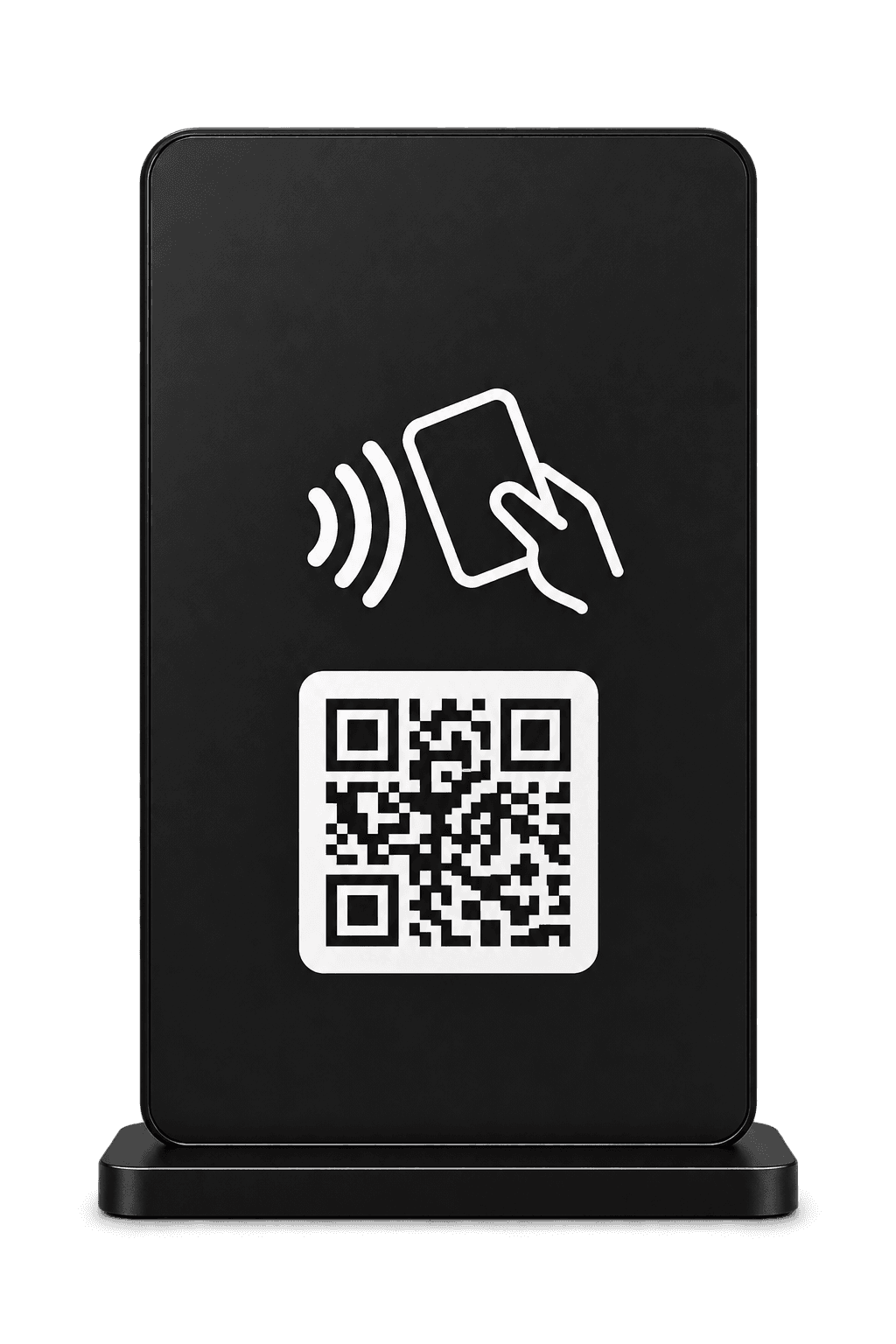
Customized Standees
Freestanding NFC standee with an NTAG216 chip — Acrylic, Metal or Wooden.
Customized Keychains
Pocket NFC keychain with an NTAG216 chip — Acrylic, Metal, Wooden or 3D Printed.
Step 1: Choose WhatsApp Commerce (for a menu or price list) or the Individual Business Profile (for a contact-first page).
Step 2: Choose the hardware — a standee suits a counter, a card suits meetings.
Step 3: Add your products or details and your WhatsApp number in your dashboard.
Step 4: Put the hardware where customers already are and add a “Tap to order” line.
No. The order opens as a WhatsApp message to your number; they don't have to save it.
No. It builds and sends the order to you on WhatsApp — you confirm it and take payment however you normally do.
Yes. The Individual Business Profile has a WhatsApp button and works well for services.
Choose your hardware, customise it and see the full price before you pay.